
Capture your child's best moments
TinyTakes uses on-device AI to find actions in your little one's photos and videos and automatically turn them into beautiful highlight reels.
Requires iOS 15.1 or later
TinyTakes uses on-device AI to find actions in your little one's photos and videos and automatically turn them into beautiful highlight reels.
Requires iOS 15.1 or later
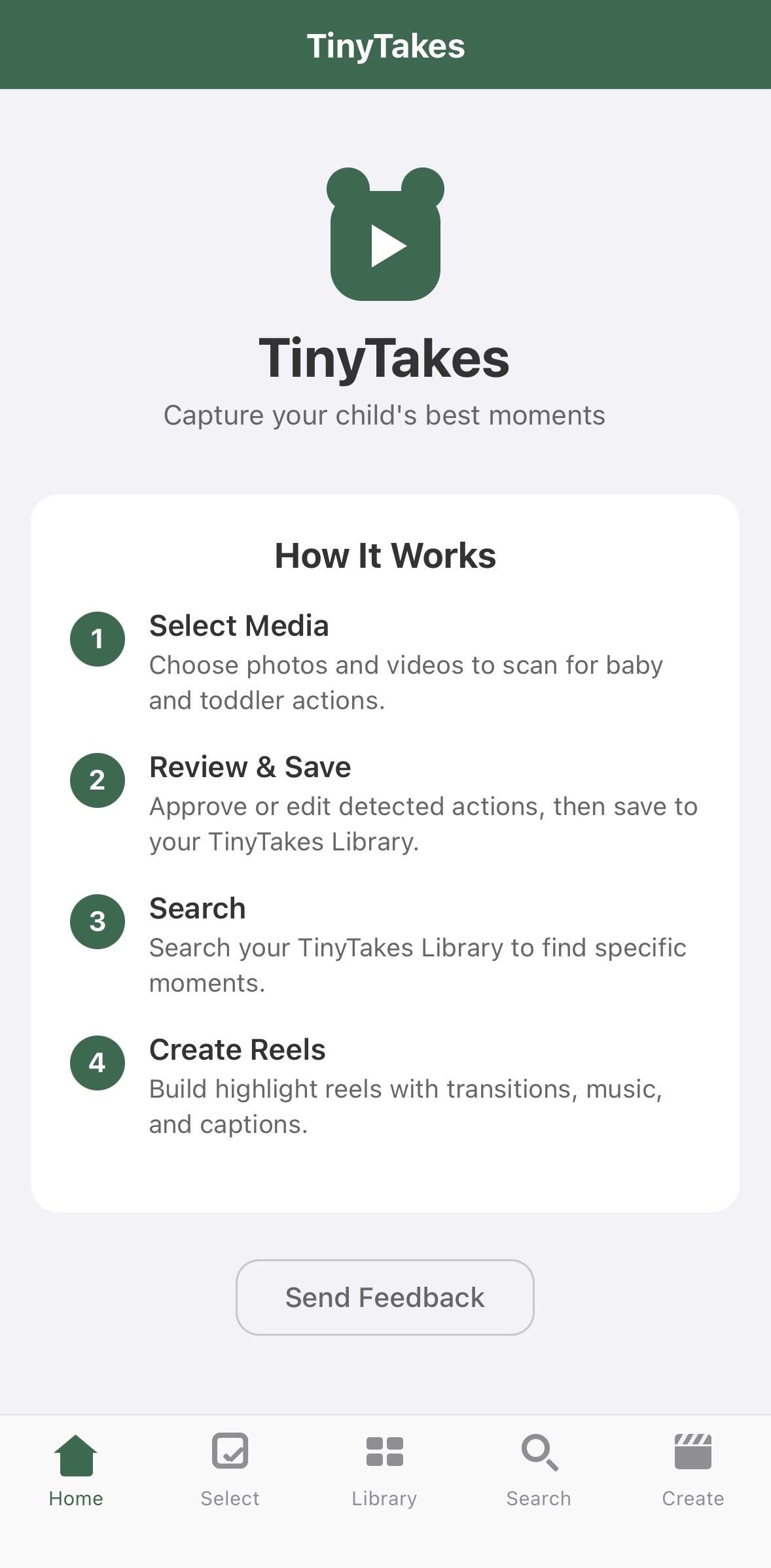
Home
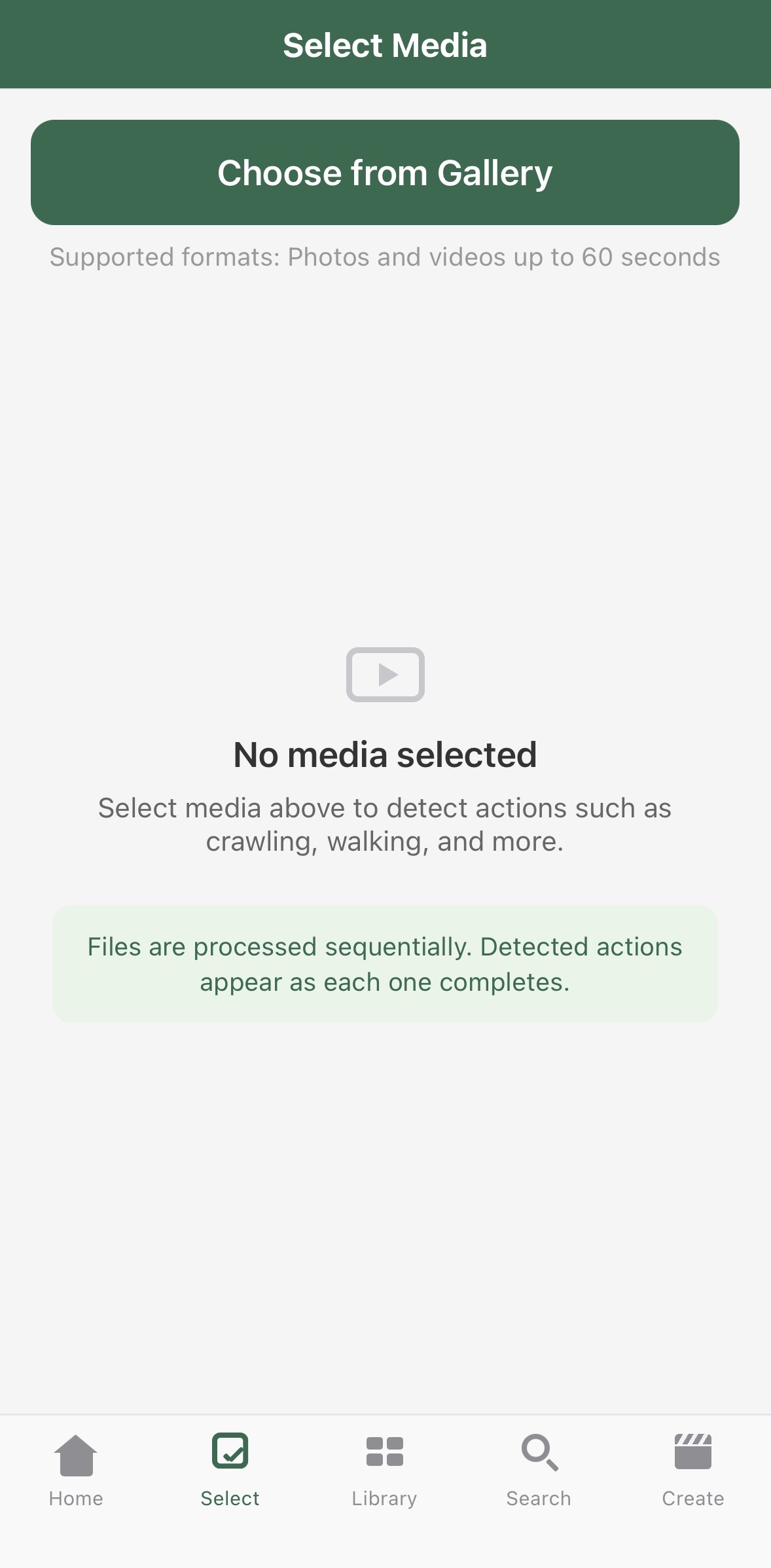
Select Media
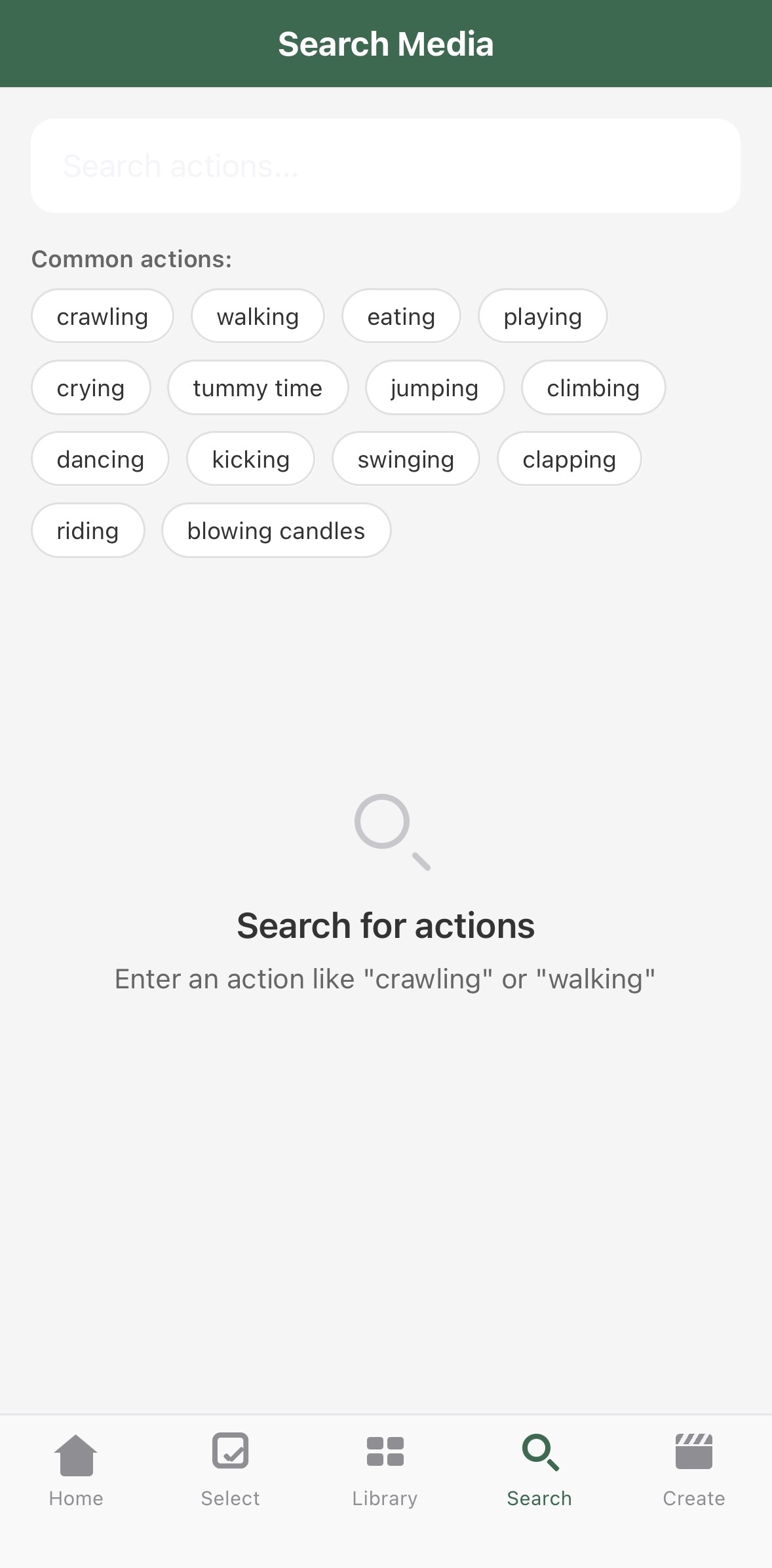
Search Actions
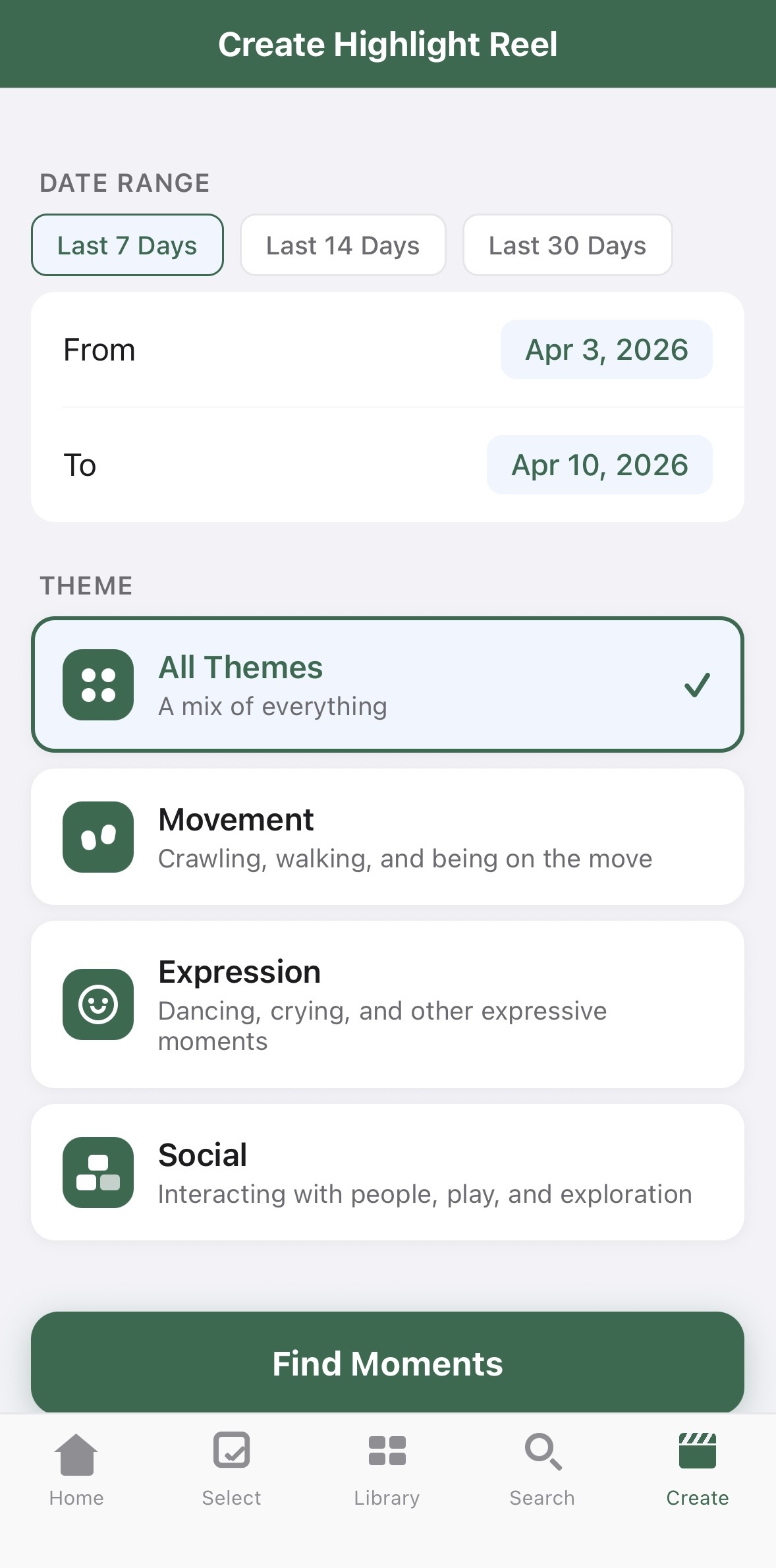
Create Reel
Every model runs entirely on your iPhone. Your media never leave your phone, no data is sent to the cloud, and no internet connection is needed. Your family's privacy is never compromised.
TinyTakes detects 14 distinct actions like walking, crawling, playing, and eating. Review what the AI found and modify any label before it's used. You always have the final say.
Choose from curated themes (Movement, Expression, Social) to tell your story.
Add crossfade or fade-to-black transitions, choose background music, overlay captions, and pick a font style.
Smart encoding creates your highlight reel in minutes, with transitions, music, and captions applied.
Save to your Photos Library. Preview your reel before saving and see duration and file size at a glance.
Choose media from your library and let TinyTakes detect your little one's actions. Review the tags and approve the clips you want to use.
Select a time period and theme. TinyTakes recommends the best approved clips for you.
Add transitions, background music, captions, and choose a font style that fits your family's personality.
Watch your highlight reel, then save it to your library or share it with family and friends.
Help us improve TinyTakes by sharing your experience!